If you’ve ever searched for a chrome extension tab reminder tool, you already know the problem: too many tabs open, all “important,” none of them actually being read. I used to keep dozens open at once — articles, GitHub repos, docs, half-finished shopping carts — not because I was using them, but because closing them felt like losing them.
The result was a cluttered browser, a slower machine, and a low-grade anxiety every time I looked at my tab bar. I tried bookmark folders, “read later” apps, and even sticky notes on my desktop, but nothing solved the actual habit. So I built nudgeTab: a chrome extension for tab reminders that solves this at the source.
The Idea Behind This Chrome Extension Tab Reminder Tool
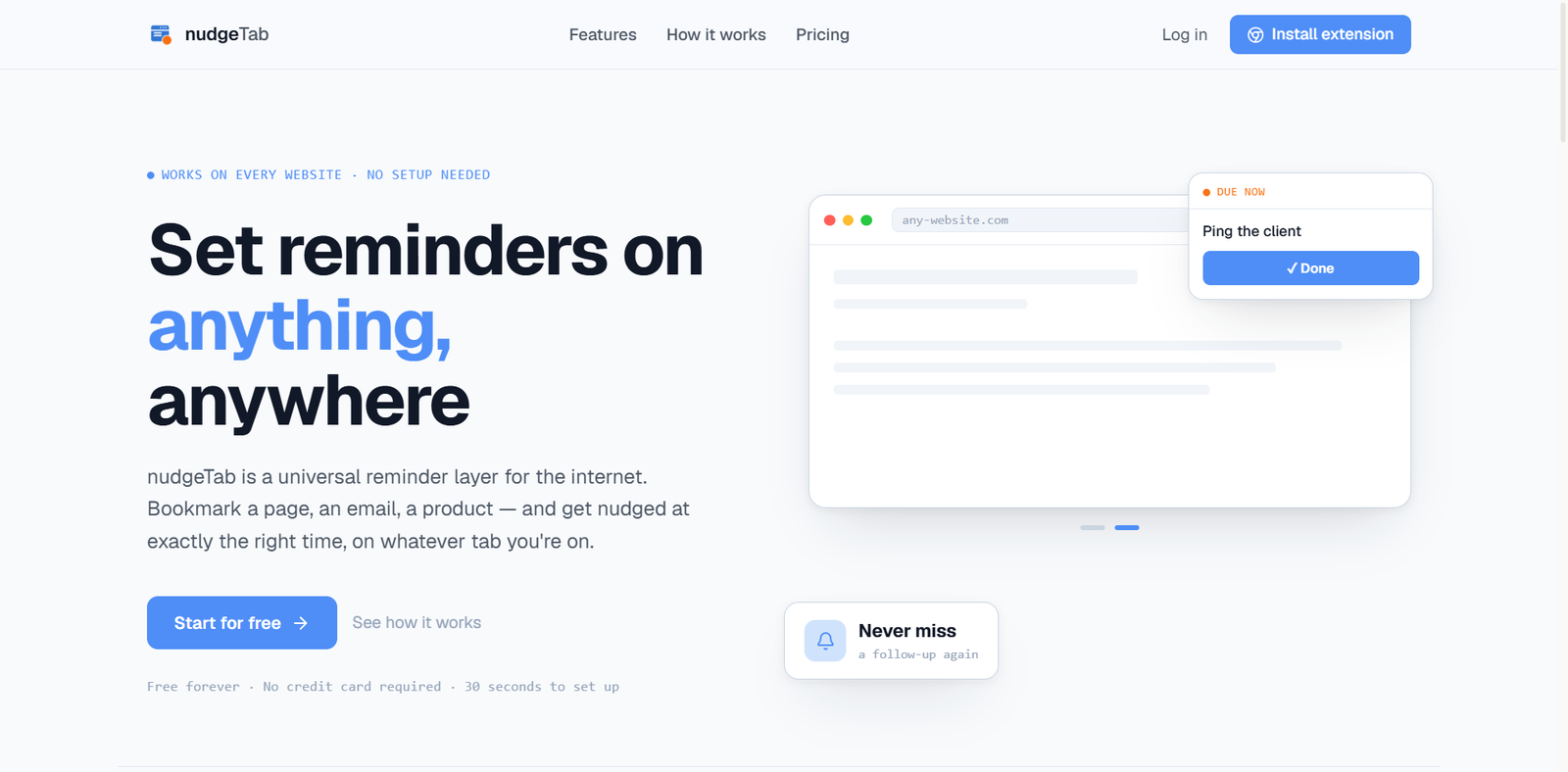
nudgeTab is a micro SaaS product paired with a Chrome extension that lets you attach a reminder to any open tab. Instead of leaving a tab open “just in case,” you set a reminder and close it with confidence. When it fires, nudgeTab brings the task back into focus so you pick up exactly where you left off — no digging through browser history or trying to remember which of twenty tabs had the thing you needed.
The goal: keep your browser clean without losing anything important.
Why You Need a Tab Reminder, Not Just a Bookmark
People don’t keep tabs open because they’re using them — they keep them open because they’re afraid of forgetting. Bookmarks, reading lists, and task managers all add extra steps, and they disconnect the reminder from the moment it was created. A good chrome tab reminder extension should live where the work already happens: the browser itself. For a step-by-step walkthrough, check out how to set a reminder on any website.
Features of nudgeTab’s Chrome Extension
- Create a reminder directly from the Chrome extension on any tab
- Schedule reminders for any webpage
- Close tabs with confidence, not anxiety
- Get notified later without manually tracking URLs
- Manage every chrome extension tab reminder from a centralized web dashboard
- Free and Pro plans
- Reminders sync across devices
You can try nudgeTab for free
Tech Stack
Building a reliable chrome extension tab reminder system meant choosing a stack that could handle real-time sync across the browser and the web.
Frontend: Next.js, React, Tailwind CSS
Backend: Supabase, PostgreSQL, Row Level Security (RLS), Authentication
Browser Extension: Chrome Extension (Manifest V3), Chrome Tabs API, Chrome Storage API
Payments & Infrastructure: Lemon Squeezy, Resend, Vercel
Challenges Building This Chrome Reminder Extension
- Keeping reminders in sync between the extension and the web dashboard in real time
- Managing authentication across two separate environments (extension + web app)
- Designing a database schema that supports free and premium tiers
- Making notifications feel helpful, not naggy
- Keeping the reminder-creation flow down to just a couple of clicks
What I Learned Building a Chrome Extension Tab Reminder Product
Shipping nudgeTab taught me that building a product is far bigger than writing code. Along the way I learned to:
- Validate a product idea before over-building it
- Ship an MVP with real users in mind
- Implement subscription billing end-to-end
- Design scalable backend APIs
- Build and ship a Chrome extension (Manifest V3)
- Handle cross-environment authentication and security
- Launch and market a software product, not just deploy one
Final Thoughts
nudgeTab started as a personal fix for my own tab hoarding and grew into a full product — a chrome extension tab reminder system with subscription billing and cloud-synced reminders. It’s a snapshot of how I work: product thinking, UI/UX, full-stack development, and deployment, all in service of one simple idea done well.
Whether I’m building internal tools, client applications, or SaaS products, I enjoy creating software that solves real, everyday friction in simple, practical ways. I’m continuing to improve nudgeTab, and building more tools like it along the way.